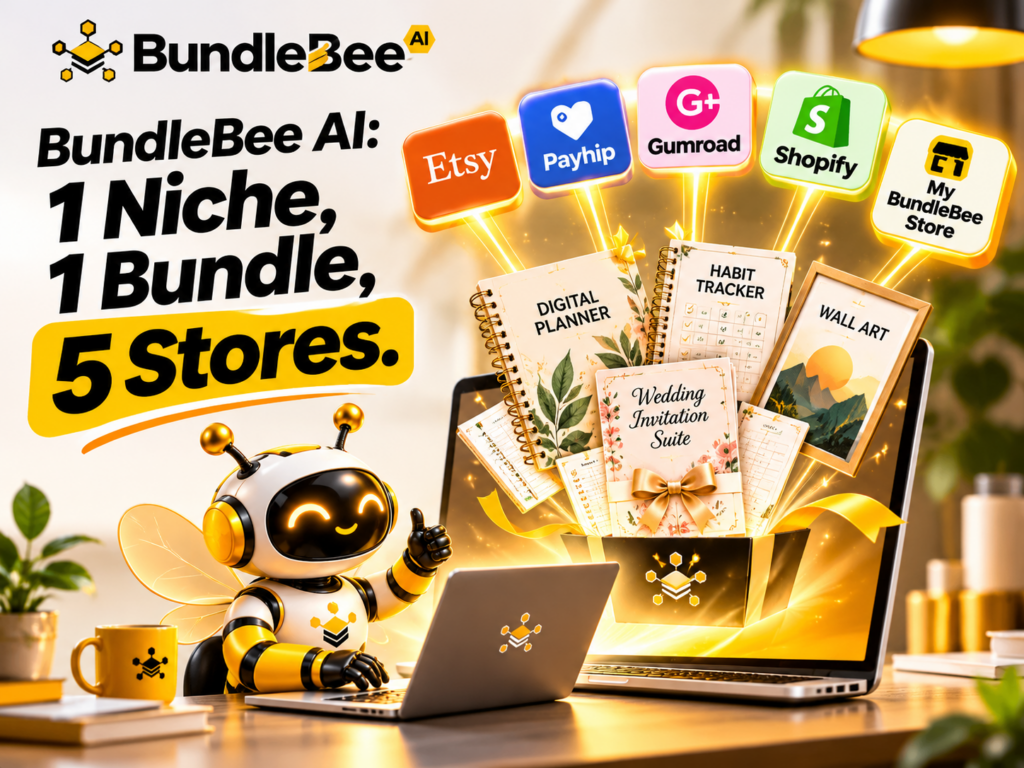

Want a faceless side income? BundleBee AI builds your Digital Product Bundles, mockups and listings for you. It publishes your products to 5 stores – Etsy, Gumroad, Payhip, Shopify, and your custom store in one go.
If you have ever scrolled through Etsy and wondered –
Who is buying all those planners, wall art prints and wedding templates, here is the answer: Ordinary people who want something instantly, without shipping or waiting.
Digital products are one of the most beginner-friendly ways to earn online because there is no inventory, no packaging and no camera. The hard part has always been the work behind the product.
That is exactly the problem BundleBee AI is built to solve.
Instead of making one $5 file by hand and hoping one marketplace notices it..
BundleBee AI takes a single niche idea such as “Content Calendar for a Busienss Coach” or “Email Newsletter Templates” and builds a complete, sell-ready bundle. It then publishes that bundle to five places at once.
In this BundleBee AI review, I’ll walk you through what the tool does, how the workflow works, what you get for the launch price, who it suits, and where you should keep your expectations realistic.
By the end, you’ll know whether BundleBee AI deserves a spot in your side-income toolkit.
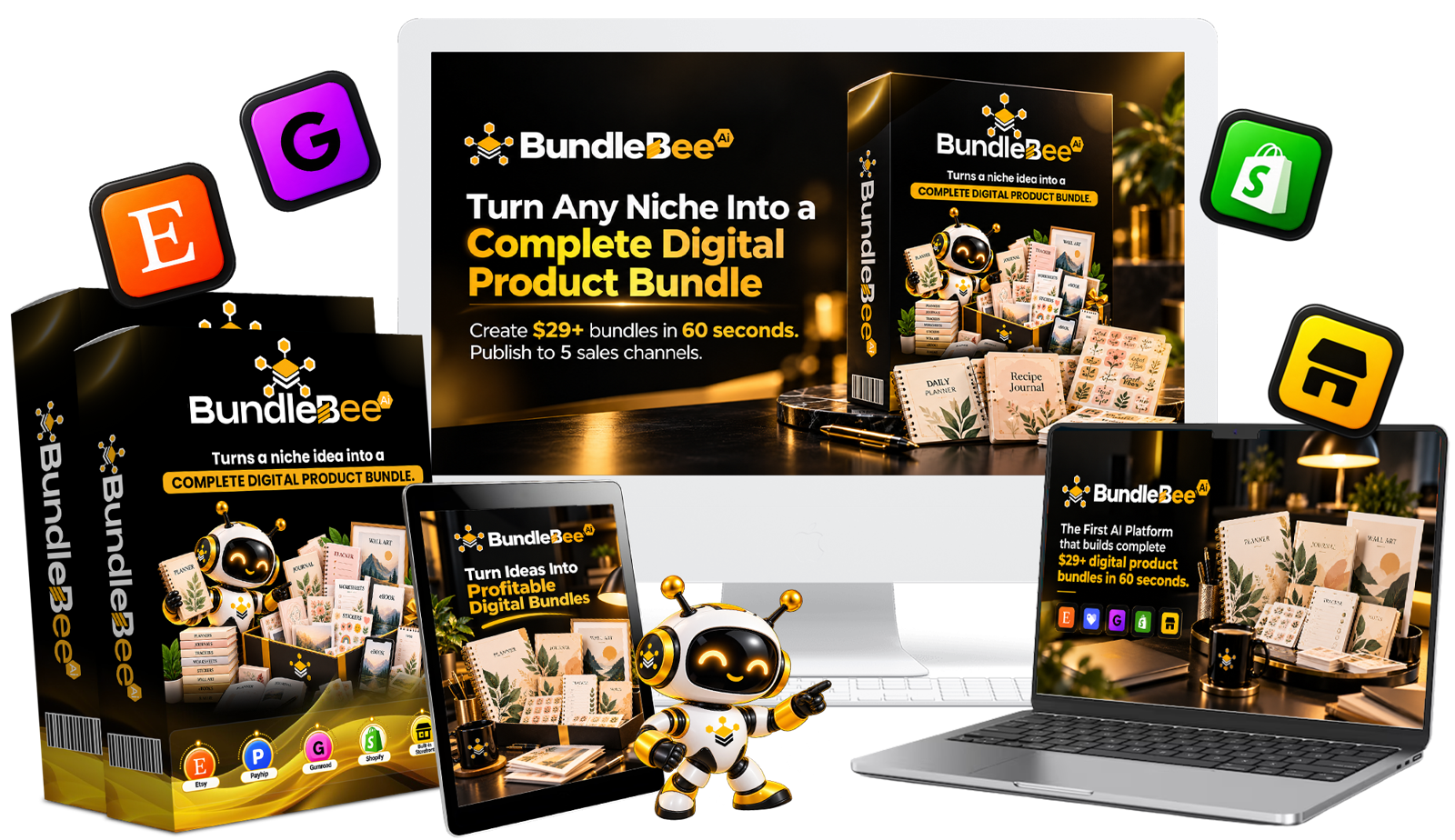
👉 Click here to see BundleBee AI and the current launch price
What Is BundleBee AI?
BundleBee AI is a web-based AI tool created by Daniel Adetunji of Bluecode Technologies and promoted through LaunchPad JV.
Its job is to turn a niche keyword into a complete digital product bundle, including the product files, the mockup images, the listing text and the pricing, and then push it live to multiple stores.
Surprisingly, one bundle can include:
- Planners and habit trackers
- Journal pages
- Printable stickers
- Wall art in multiple frame sizes
- Wedding suites and teacher packs
- Lifestyle mockups and a bundle cover
- SEO-friendly listings and suggested pricing
The stores it publishes to are Etsy, Payhip, Gumroad, Shopify and a built-in storefront that comes with the tool. The pitch is simple: you make it once, and BundleBee AI lists it in five places.
The Problem BundleBee AI Is Trying to Fix
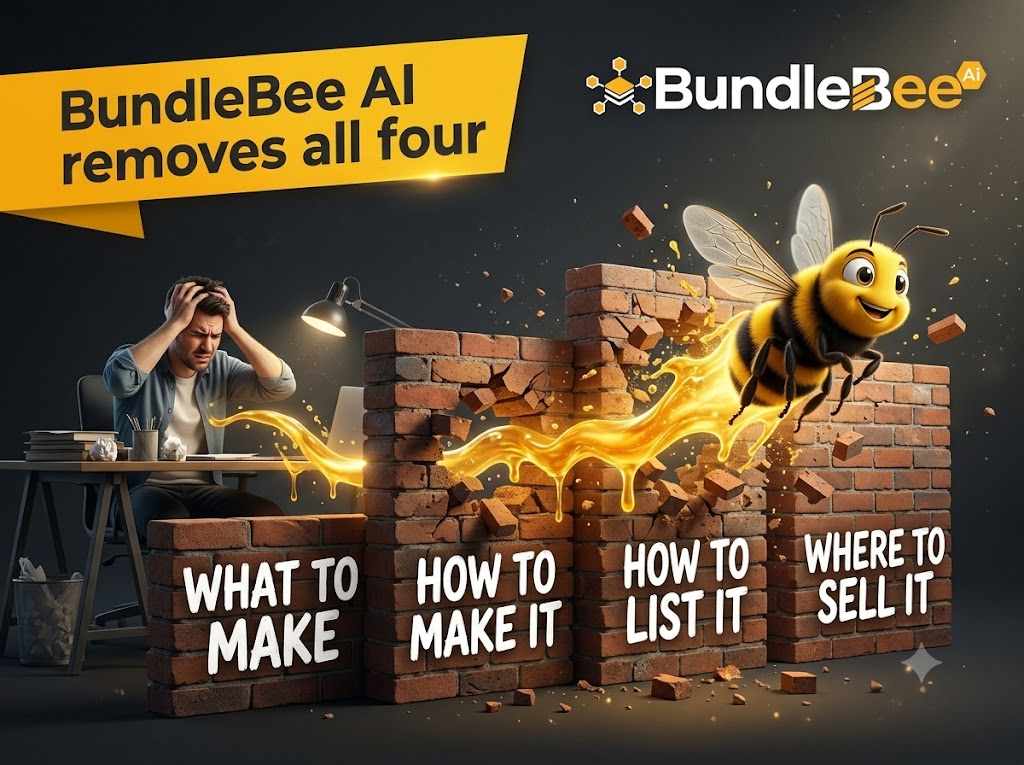
Most beginners in the digital product space run into the same four walls:
- Knowing what to make. Which niches, styles and price points are actually selling?
- Knowing how to make it. Hyperlinked planner tabs, five frame sizes for every art print and polished Canva layouts take weeks to learn.
- Knowing how to list it. Titles, tags and descriptions work differently on each platform.
- Knowing where to sell it. Setting up and syncing several stores is a part-time job on its own.
There are also two common traps.
The first is the $5 file trap: you would need dozens of sales a day just to reach a modest income.
The second is the one-shelf trap: when your entire shop lives on one marketplace, one policy change or one flagged account can undo your work.
BundleBee AI addresses both by selling bundles, which can be priced much higher than single files, and by spreading each bundle across several storefronts, one of which you own.
How BundleBee AI Works: The “Pollen Loop” Workflow
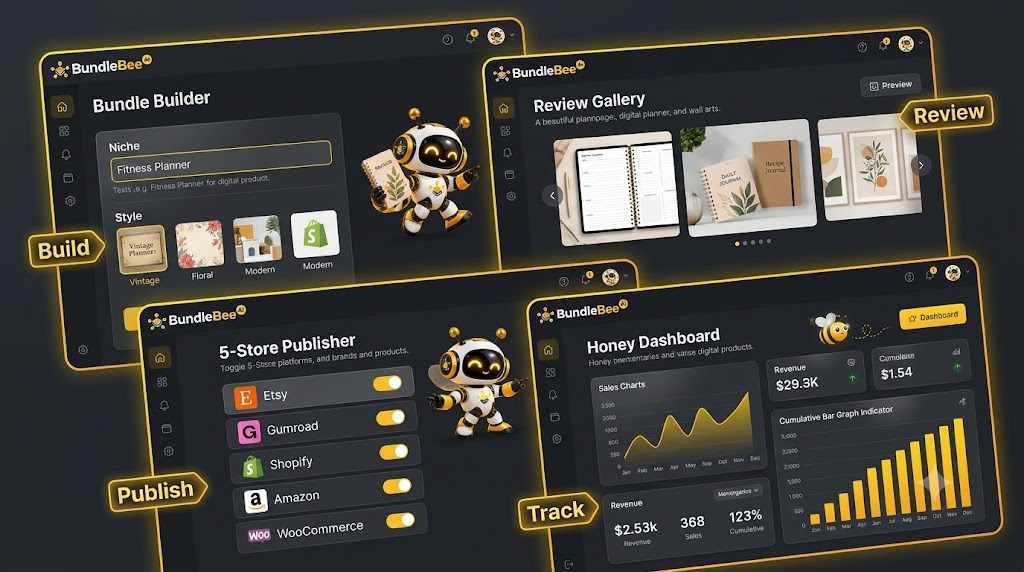
One of the nicest things about BundleBee AI is that the process is simple enough to describe in five steps.
The creator calls it the Pollen Loop.
Step 1: Spot.
You type a niche, or you let the tool suggest one from its library of proven niches. You can see popular styles and price ranges before committing.
Step 2: Build.
You pick a style (boho, minimalist, cottagecore, pastel, luxury or kids) and click “Build My Bundle.” BundleBee AI then generates the full bundle.
Step 3: Dress.
The tool automatically creates lifestyle mockups, tablet previews, “what’s inside” images and a cover for the bundle.
Step 4: Buzz.
You review everything, approve it, and click “Buzz It Out.” BundleBee AI publishes to the stores you’ve switched on, with listing text written differently for each platform.
Step 5: Repeat.
You run the loop again with a new niche or a new style.
The important point here is that you stay in control. Your main job is what the sales page calls the “taste test”: keep what you like, regenerate what you don’t, and approve what goes live.
Nothing is published without your say-so.
👉 Try BundleBee AI risk-free with the 30-day money-back guarantee
Key Features That Make BundleBee AI Stand Out
The official page of BundleBee lists a long set of features. Here are the ones that matter most for a real-world seller.
1. A full bundle from a single keyword
You enter a niche and BundleBee AI produces a complete, “ecosystem” bundle rather than a lone design.
This matters because top sellers often group a planner, trackers, journal pages and stickers together and charge more for the whole set.
2. 20+ product types
The tool covers planners, journals, wall art, Canva-style templates, trackers, worksheets, stickers, calendars, coloring pages, flashcards, eBooks and more.
That range lets you test different niches without learning a new tool each time.
3. Clickable digital planners
GoodNotes and Notability planners with working tabs and links are popular but time-consuming to build.
BundleBee AI generates them for you, and each planner comes in both printable PDF and tablet-ready versions, so you can list it twice.
4. Wall art in every frame size
Sizing is one of the most annoying chores for wall art sellers.
BundleBee AI exports and zips the common ratios (2:3, 3:4, 4:5, ISO A-sizes and 11×14) automatically.
5. Mockups without Photoshop
Your products are shown on styled desks, nursery walls, coffee tables and iPads, wahich helps your listings look professional without a design subscription.
6. Platform-specific listings
BundleBee AI writes separate titles, tags and descriptions for Etsy, Gumroad, Payhip and Shopify, since each platform handles search differently.
7. One-click publishing to five stores
This is the headline feature. Instead of uploading each product five times, you toggle your stores on and publish. A store-sync feature is also included, so an update can carry across your listings.
8. Smart pricing, scheduling and remixing
The Smart Pricing Engine suggests prices based on what is already selling.
Scheduled publishing lets you plan your catalog ahead, and “Duplicate & Remix” turns one winning bundle into new styles and niches with a click.
9. Etsy-safe design
BundleBee AI includes AI disclosure, quality checks and a duplicate guard to help your listings stay within marketplace expectations.
As always, you should read each platform’s current rules yourself, since policies change.
10. A built-in storefront
The tool includes a branded storefront with your logo, colors and checkout, with no marketplace fees on sales in your own store.
This is the “can’t-be-banned” shelf the creator keeps mentioning, and it is probably the most strategically valuable piece for long-term sellers.
Why Bundles in Five Stores Beat Single Files on One Marketplace
There are two ideas behind BundleBee AI, and both are sensible.
Idea one: bundles raise the price per sale.
A single planner page might sell for around $5.
A complete set of planner, habit tracker, journal pages and stickers can reasonably sit at $29 or more. The buyer gets more value, and you earn more per order.
Idea two: multiple stores reduce risk and widen reach.
Etsy shoppers, Gumroad buyers and visitors to your own store are not always the same people.
Listing in several places gives each product more chances to be found. It also means a problem on one platform does not stop everything.
The creators of BundleBee illustrates the math as $29 multiplied by five stores equals $145 per day if each store makes one sale.
I want to be very clear: that is an illustration of how the numbers could stack, not a promise. Their website officialy says results depend on your niches, products, effort and marketplace conditions.
A new shop can take time to get its first sale, so treat the $145 figure as arithmetic, not a forecast.
👉 See how BundleBee AI builds and publishes bundles in under 60 seconds
Who Should Use BundleBee AI?
BundleBee AI fits you well if you:
- Have good taste and know what a nice planner or invitation looks like, but lack design skills
- Want a faceless business with no videos, no personal brand and no following
- Prefer a steady, long-term income stream to a get-rich-quick scheme
- Can spare 20 to 30 minutes a day, or a few hours a week
- Are a freelancer or side-hustler looking for flexible extra income
It is probably not for you if you expect one bundle to replace your salary next week, or if you want a system that asks nothing of you at all.
You still choose niches, approve designs and promote your shop. The creator says this openly on the page, which I appreciate.
Ways to Make Money With BundleBee AI
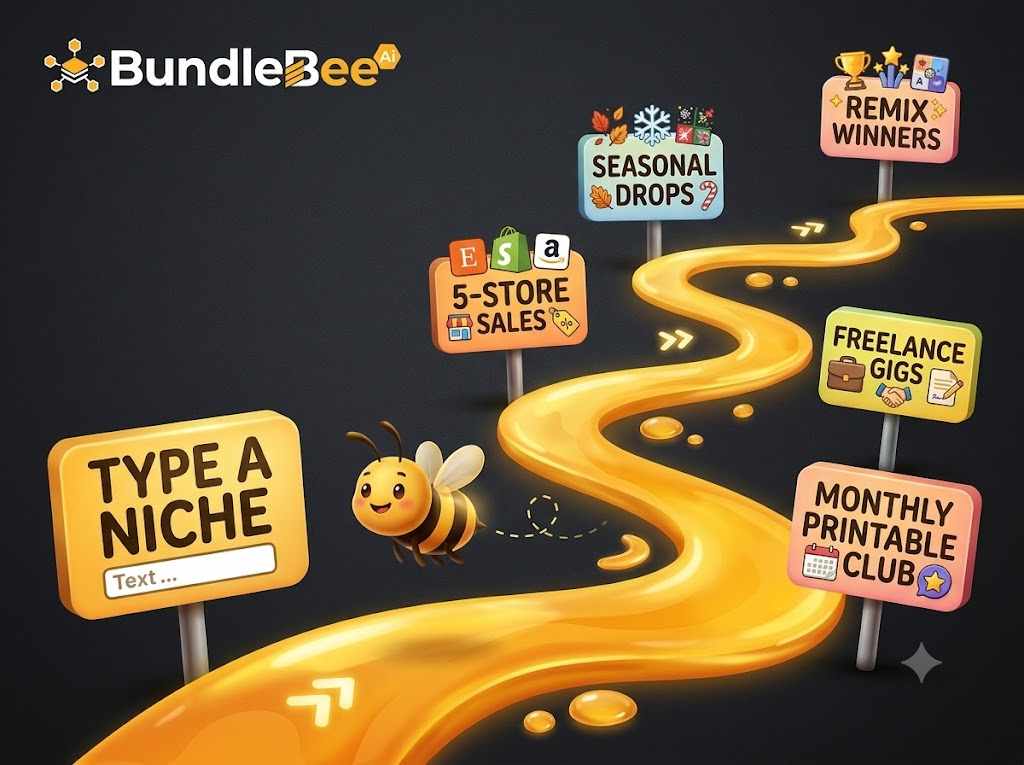
Beyond listing bundles on your own shops, the creator of BundleBee suggests several ways to put BundleBee AI to work.
1) Sell your own bundles.
The core method: list them on Etsy, Payhip, Gumroad, Shopify and your built-in store.
2) Seasonal drops.
Build Christmas, Valentine’s, back-to-school and wedding-season bundles ahead of time, so they are live before demand peaks.
3) Remix winners.
When a bundle sells, remix it into new styles such as minimalist, cottagecore or dark academia, and multiply the listings.
4) Sell as a service.
Freelancers on Fiverr or Upwork can offer custom planners, listing SEO or done-for-you shop setups.
5) Other angles.
Print-on-demand products, printed journals on Amazon KDP and monthly printable clubs are also mentioned as extensions.
Not every idea will suit every person, so start with one or two and expand when you see what works. Also check each platform’s terms before you sell, especially for products made with AI.
BundleBee AI vs. Other Ways of Starting a Digital Product Business
How does BundleBee AI compare with the usual alternatives?
- DIY with Canva: Flexible and cheap, but each bundle can take hours, and you handle mockups, listings and uploads yourself.
- Courses: They teach you the steps, but you still do every step by hand.
- Freelancers: Designers, copywriters and uploaders can quickly add up to hundreds of dollars per batch.
- PLR packs: Fast and inexpensive, but the same files are sold to many other buyers, so your products may not stand out.
- Single-store AI Etsy tools: Helpful for one marketplace, but they typically do not build full bundles or publish to several stores.
Where BundleBee AI looks different is that it tries to handle research, creation, mockups, listings and multi-store publishing in a single workflow.
Whether the output quality matches your standards is something to judge yourself, which is why the guarantee below matters.
BundleBee AI Pricing, Launch Offer and Bonuses
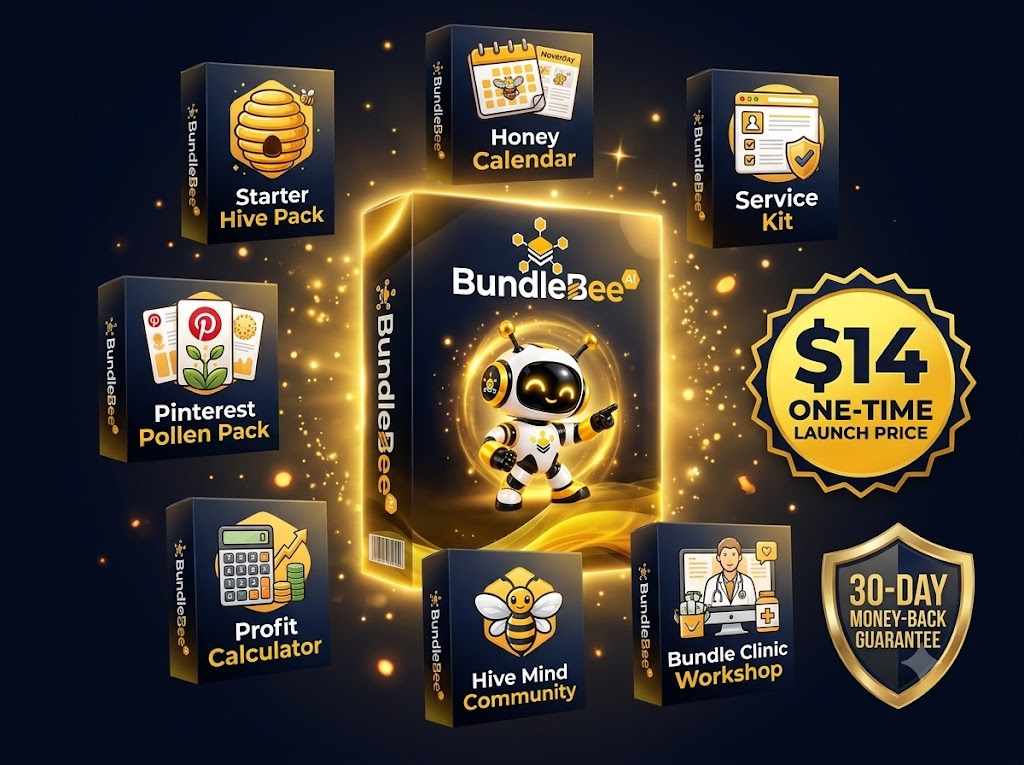
At the time of writing, the official price of BundleBee AI at a one-time launch price of $14, with no recurring payments.
They say it’ll move to a monthly plan after the launch window closes. The regular price shown on the page is $97 per month.
A commercial license is included, so you keep 100% of what you sell, apart from any fees charged by the marketplaces themselves.
The launch also includes these bonuses:
- The Starter Hive Pack: 10 ready-made bundles loaded into your account
- The 12-Month Honey Calendar: a seasonal build-and-publish schedule
- The Sell It As A Service Kit: gig descriptions, pricing tables and pitch scripts
- The Pinterest Pollen Pack: 50 pin templates to drive traffic
- The Bundle Profit Calculator: quick “what if” math before you build
- Hive Mind Private Community: a place to swap ideas and wins
- Live Bundle Clinic Workshop: a live build-and-publish session
There is also a fast-action bonus for the first 100 buyers, a Founding Badge that locks in founding-member pricing on future upgrades.
The website says the bonuses are yours to keep even if you request a refund. An optional $9 one-time add-on, the 25-Niche Starter Hive Pack, is offered at checkout.
👉 Grab BundleBee AI at the $14 launch price before it goes monthly
Pros and Cons of BundleBee AI
Pros
- Builds complete bundles instead of single files
- Publishes to five stores, including one you own
- Handles mockups, listings and pricing in one place
- Beginner-friendly, with step-by-step training included
- Low one-time launch price and a 30-day money-back guarantee
- Useful bonuses, including a starter pack of ready-made bundles
Cons
- You still need to review quality, choose niches and promote your digital shop yourself.
- Results depend on your niche, effort and marketplace conditions, with no guaranteed sales.
- Each marketplace has its own rules about AI-generated products, and you are responsible for following them.
Frequently Asked Questions About BundleBee AI
Do I need accounts on all five platforms?
You can start with whichever platforms you like, even just the built-in store, and connect the others later.
Do I need design or tech skills to use BundleBee AI?
No. The tool is designed for beginners, and the workflow is mostly typing a niche, picking a style, and approving the results.
Can I sell what BundleBee AI creates?
Yes. A commercial license is included, so the bundles you create are yours to sell.
Is there a monthly fee?
During the launch, the sales page says there is a single $14 payment with no recurring charges. After launch, it may move to a monthly plan.
What if I don’t like it?
You are covered by a 30-day money-back guarantee. You may send them an email within 30 days for a refund, and that the bonuses are yours to keep.
Will BundleBee AI guarantee sales?
No tool can. The disclaimer on the website is clear that example figures are not typical results or guarantees.
Final Verdict: Is BundleBee AI Worth It?
BundleBee AI makes a practical promise: take the slowest parts of selling digital products, namely-
Creating the files, making mockups, writing listings and uploading everywhere, and compress them into a short, repeatable workflow.
For beginners with good taste and limited time, that could remove a lot of friction. The built-in storefront and multi-store approach also address the real risk of relying on one marketplace.
It is not magic. You will still need to pick sensible niches, review what the AI produces, follow each platform’s rules and drive some traffic. But at a one-time launch price of $14 with a 30-day guarantee, the downside is small compared with the cost of hiring designers or buying yet another course.
If you have been thinking about starting a digital product shop, the launch window is a low-risk time to try it. You can test BundleBee AI, build your first bundle, and decide for yourself.
🐝 Get BundleBee AI now and build your first 5-store bundle today